Screensharing
Let agents and customers share screens on a live call to clarify complex problems and reduce back-and-forth.
Screensharing
Let agents and customers share screens on a live call to clarify complex problems and reduce back-and-forth.
Screensharing
Let agents and customers share screens on a live call to clarify complex problems and reduce back-and-forth.
Screen-sharing turns support calls into interactive sessions where agents and customers can see, guide, and solve together.
Instant access
Start screen-sharing in one click from any SnapCall session.
Two-way sharing
Agents and customers can both share their screens for full visibility.
Full context
Give agents visual access to the problem without switching tools.
Faster results
Empower teams to diagnose and resolve issues in less time.
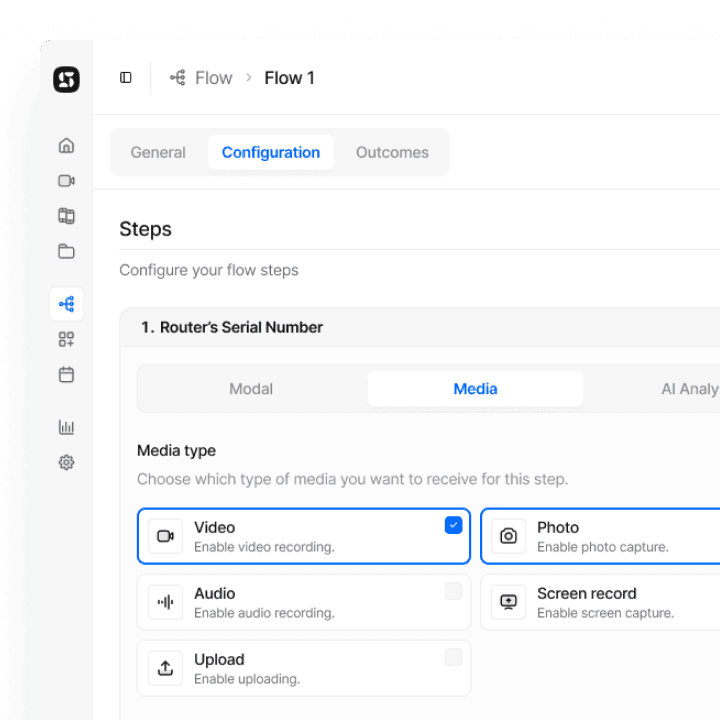
Screen-sharing turns support calls into interactive sessions where agents and customers can see, guide, and solve together.
Instant access
Start screen-sharing in one click from any SnapCall session.
Two-way sharing
Agents and customers can both share their screens for full visibility.
Full context
Give agents visual access to the problem without switching tools.
Faster results
Empower teams to diagnose and resolve issues in less time.
Screen-sharing turns support calls into interactive sessions where agents and customers can see, guide, and solve together.
Instant access
Start screen-sharing in one click from any SnapCall session.
Two-way sharing
Agents and customers can both share their screens for full visibility.
Full context
Give agents visual access to the problem without switching tools.
Faster results
Empower teams to diagnose and resolve issues in less time.
Screen-sharing fits naturally inside every SnapCall session, helping teams see the issue in real time and resolve it faster.
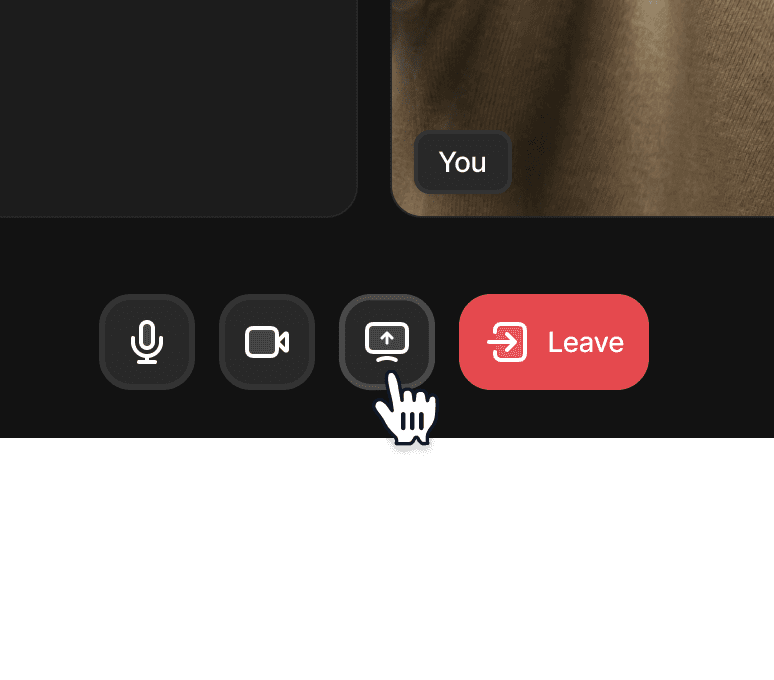
1. Share your screen in one click
Works seamlessly across all major browsers. No installs, no plugins, just one click to start screen sharing during your video call.
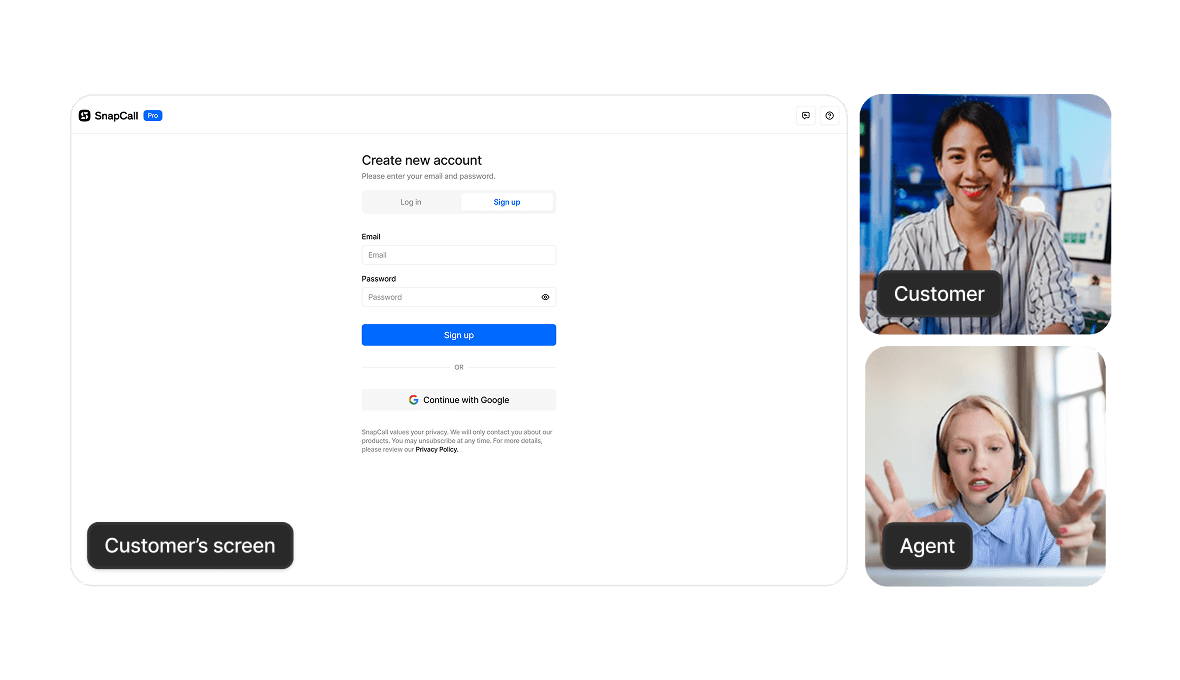
Guide in real time
See what the other person sees and walk them through every step, reducing confusion and speeding up problem solving.
Screen-sharing fits naturally inside every SnapCall session, helping teams see the issue in real time and resolve it faster.
1. Share your screen in one click
Works seamlessly across all major browsers. No installs, no plugins, just one click to start screen sharing during your video call.
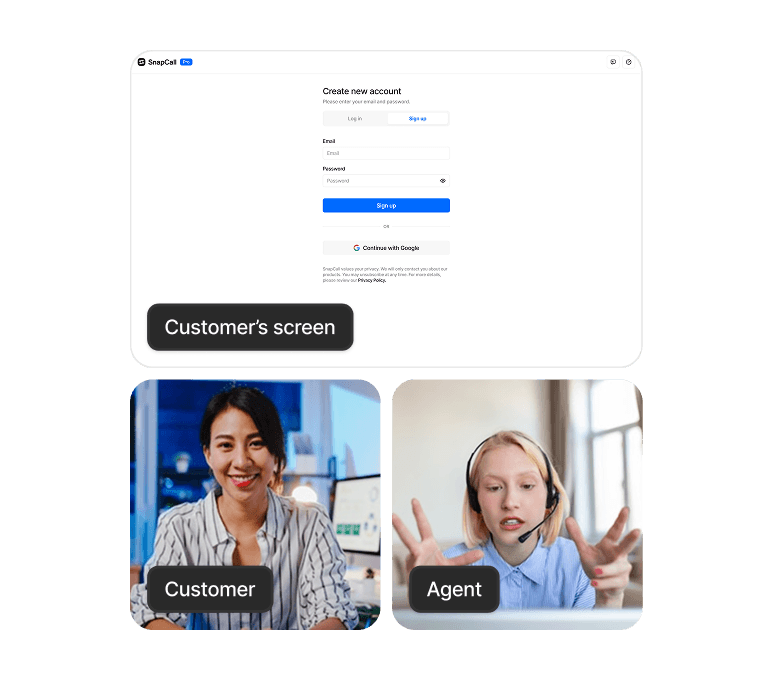
Guide in real time
See what the other person sees and walk them through every step, reducing confusion and speeding up problem solving.
Screen-sharing fits naturally inside every SnapCall session, helping teams see the issue in real time and resolve it faster.
1. Share your screen in one click
Works seamlessly across all major browsers. No installs, no plugins, just one click to start screen sharing during your video call.
Guide in real time
See what the other person sees and walk them through every step, reducing confusion and speeding up problem solving.
Visual and AI-powered support designed to adapt to the specific needs and constraints of each industry.



Visual and AI-powered support designed to adapt to the specific needs and constraints of each industry.
Visual and AI-powered support designed to adapt to the specific needs and constraints of each industry.
A connected ecosystem of visual, real-time, and AI-powered capabilities built to simplify support workflows and deliver clear, actionable insights.
A connected ecosystem of visual, real-time, and AI-powered capabilities built to simplify support workflows and deliver clear, actionable insights.
A connected ecosystem of visual, real-time, and AI-powered capabilities built to simplify support workflows and deliver clear, actionable insights.
From essential tools to full automation, SnapCall scales with your needs.



From essential tools to full automation, SnapCall scales with your needs.
From essential tools to full automation, SnapCall scales with your needs.
AI Powered video solution
Faster resolutions start here.
No installs
Works with your CRM
AI Powered video solution
Faster resolutions start here.
No installs
Works with your CRM
AI Powered video solution
Faster resolutions start here.
No installs
Works with your CRM